
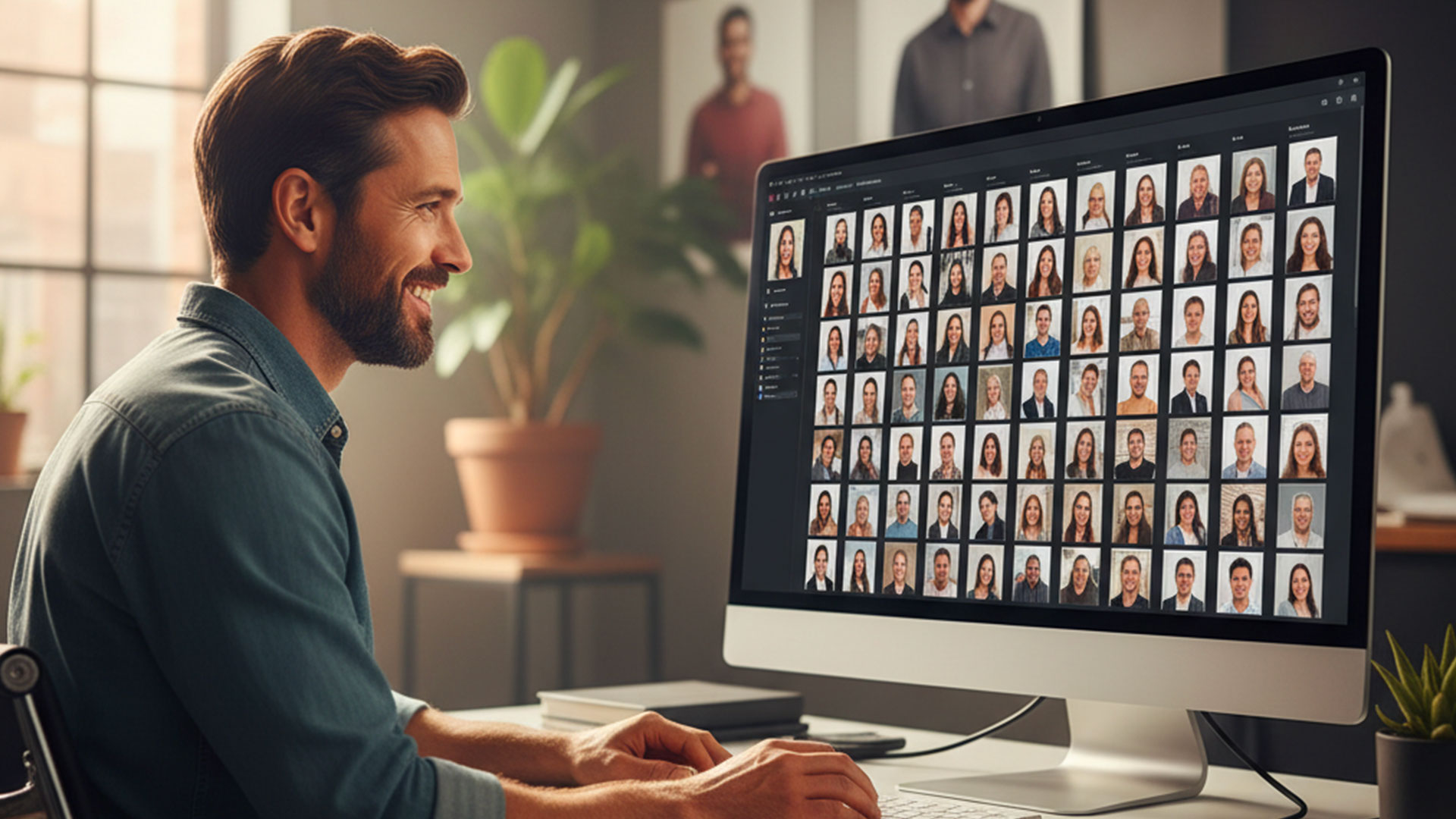
What Is the Best Tool to Automatically Sort and Organize Your Photos in 2026?
What Is the Best Tool to Automatically Sort and Organize Your Photos in 2026? (Complete Comparison)
Today, sorting large volumes of photos and intelligently organizing them by person is a common task for photographers, associations, school administrators, event organizers, and sports clubs.
Some recurring needs include:
- "facial recognition photo sorting software"
- "automatically sort photos by person"
- "local facial recognition photo tool"
- "Google Photos alternative without cloud"
- "privacy-friendly photo sorting software"
If your goal is to quickly identify all photos of the same person, traditional sorting tools may not be the most suitable.
In this article, we compare the main solutions on the market and analyze their strengths based on different use cases.
The Different Types of Photo Sorting Tools
Before comparing solutions, it's essential to distinguish between two different needs:
1️⃣ Technical Culling
- Remove blurry photos\
- Detect closed eyes\
- Select the best image from a burst
2️⃣ Sorting by Person (Intelligent Organization)
- Group all photos of an individual\
- Automatically identify faces\
- Organize images by name\
- Facilitate photo distribution to participants
These two use cases rely on very different approaches.
Comparison of the Main Solutions
1. Adobe Lightroom
Positioning
A comprehensive photo management and editing software.
Advantages
- Complete professional ecosystem\
- Powerful organizational tools\
- Built-in face detection
Limitations
- Facial recognition is a secondary feature\
- Not optimized for distributing photos by person\
- Cloud features heavily integrated within the Adobe ecosystem
Lightroom is excellent for editing and overall image management, but it is not specifically designed for a workflow centered on large-scale face identification and grouping.
2. Aftershoot
Positioning
A tool specialized in automated technical culling using AI.
Advantages
- Detects blurry photos and closed eyes\
- Smart selection of the best images\
- Significant time savings
Limitations
- Not designed to organize photos by person\
- Focused on culling, not distribution\
- Subscription model that can become costly
Aftershoot perfectly addresses technical sorting needs, but not structured facial classification.
3. Google Photos
Positioning
A consumer cloud service with strong facial recognition capabilities.
Advantages
- Effective facial recognition\
- Automatic organization by person\
- Easy to use
Limitations
- Photos hosted in the cloud\
- Dependency on a third-party service\
- Privacy concerns\
- Less suitable for large-scale professional use
Google Photos works well for personal use but becomes more complex when dealing with high volumes or strict confidentiality requirements.
4. Apple Photos
Positioning
A solution integrated into the Apple ecosystem.
Advantages
- Local facial recognition\
- Native macOS / iOS integration\
- Smooth user experience
Limitations
- Closed ecosystem\
- Limited flexibility for advanced professional workflows\
- Not designed for large-scale distribution
5. Eikonia --- Specialist in Local Facial Recognition Sorting
Unlike other tools, Eikonia does not try to do everything.
Its positioning is clear:
🎯 Automatically organize your photos by person using facial recognition
🔒 100% local processing
🛡️ No cloud
🤝 Full respect for privacy
Why Does Eikonia Address a Specific Need?
1️⃣ A Tool Designed for Person-Based Organization
Eikonia enables:
- Automatic face detection\
- Intelligent grouping of photos by individual\
- Creation of folders or selections per person\
- Massive simplification of photo distribution
Ideal for:
- School photographers\
- Sports clubs\
- Event organizers\
- Associations\
- Portrait photographers\
- Organizations that need to redistribute photos to participants
2️⃣ 100% Local: No Photos Sent to the Internet
This is a fundamental point.
Unlike cloud-based solutions:
- Images never leave your computer\
- No external servers\
- No third-party storage\
- No data exploitation
This means:
✔️ Complete confidentiality
✔️ Easier compliance with data protection requirements
✔️ Full control over your files
3️⃣ Privacy First
In a context where facial recognition raises ethical concerns, Eikonia adopts a clear approach:
- Fully local processing\
- No centralized database\
- No biometric data sharing
It is a serious alternative to cloud solutions when privacy is a priority.
Usage-Oriented Comparison Table
Tool Technical Culling Person-Based 100% Suitable for (blur, closed eyes) Sorting Local Large-Scale Distribution
Lightroom Partial Yes (basic) Yes Limited
Aftershoot Yes No Partial No
Google No Yes No Not Photos (cloud) professional-grade
Apple Photos No Yes Yes Limited
Eikonia No Yes Yes Yes (face-specialized) (optimized) (100%)
Which Tool Is Best for Your Needs?
🔎 Want to remove blurry photos?
→ Aftershoot
🎨 Want to manage and edit your images?
→ Lightroom
☁️ Want simple organization for personal use?
→ Google Photos
🔒 Need to automatically sort your photos by person, locally, without cloud?
→ Eikonia
Conclusion
There is no single "best automatic photo sorting software."
There is the best tool for your specific need.
If your priority is:
- High-performance facial recognition\
- Automatic organization by person\
- Full respect for privacy\
- 100% local operation\
- A tool designed for photo redistribution
Then Eikonia positions itself as a specialized and relevant solution in 2026.